
Extract

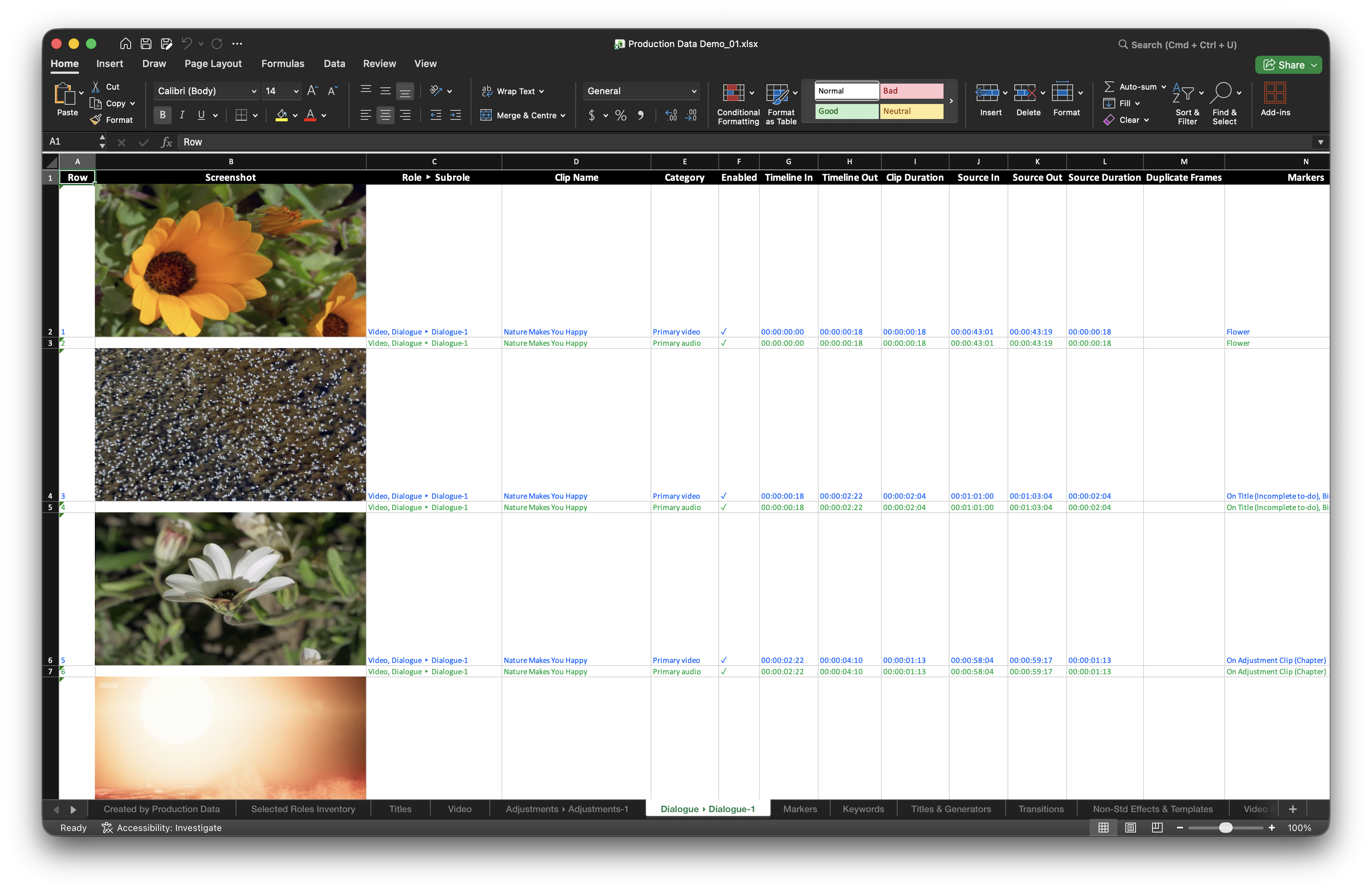
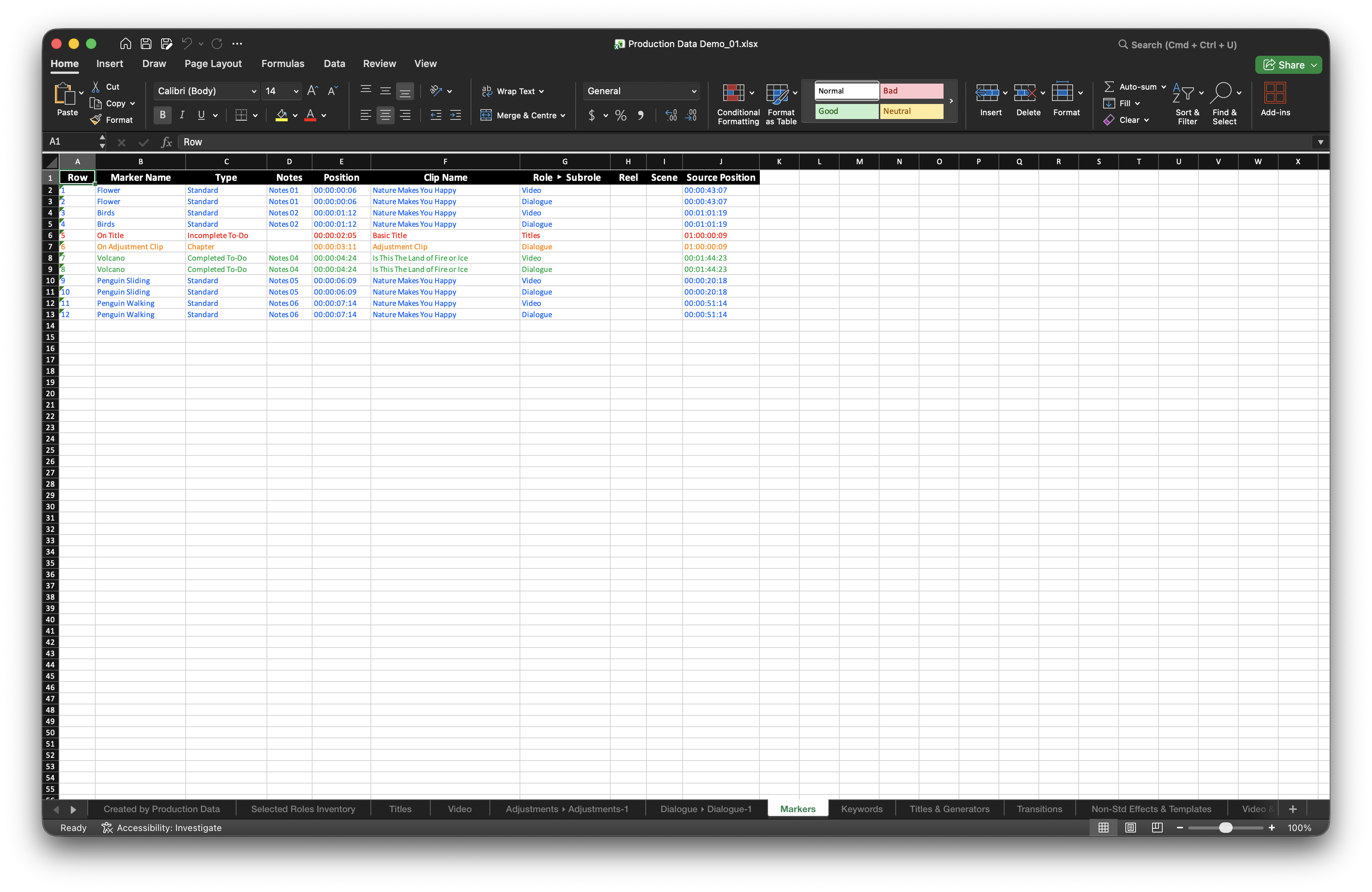
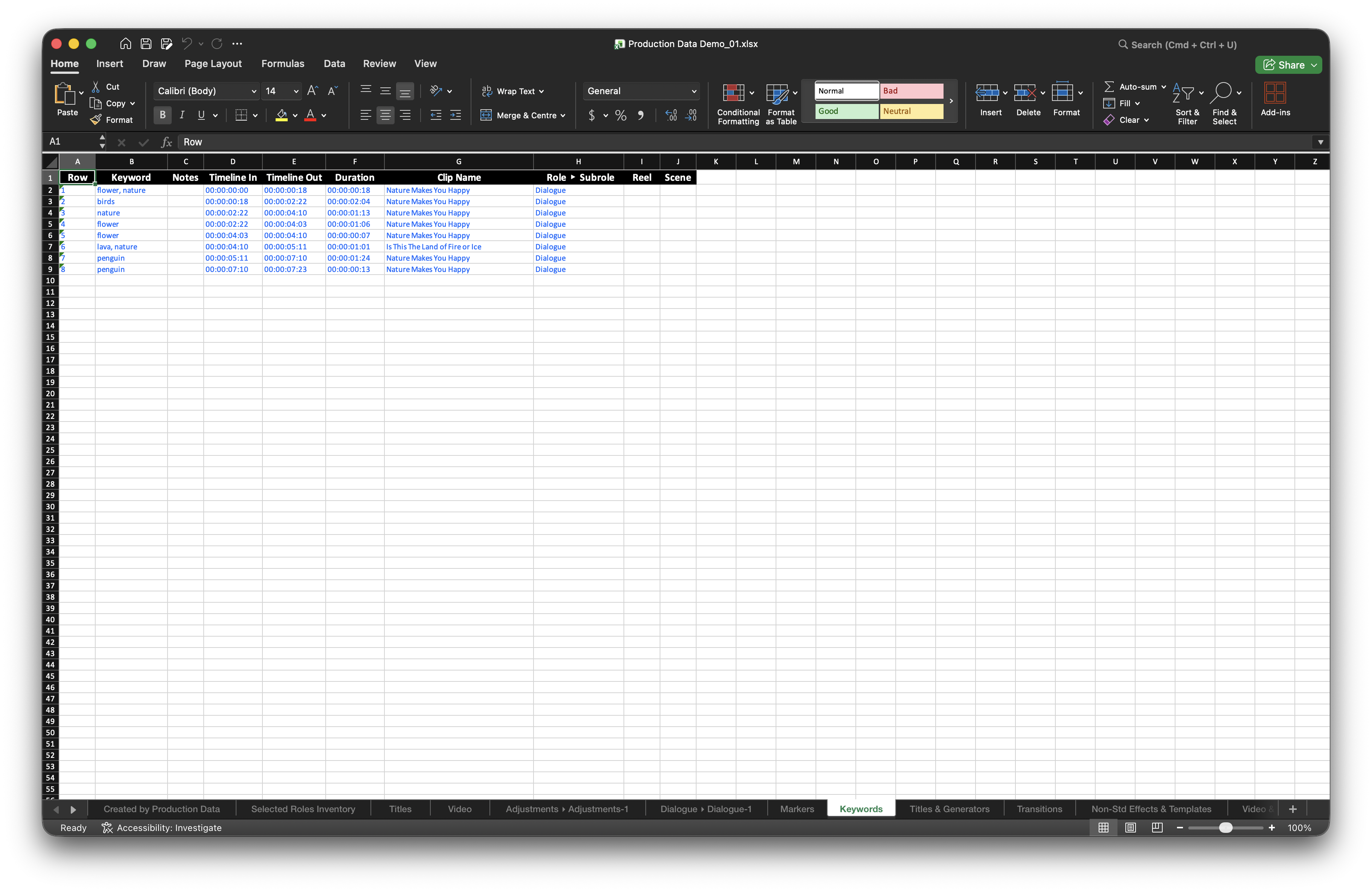
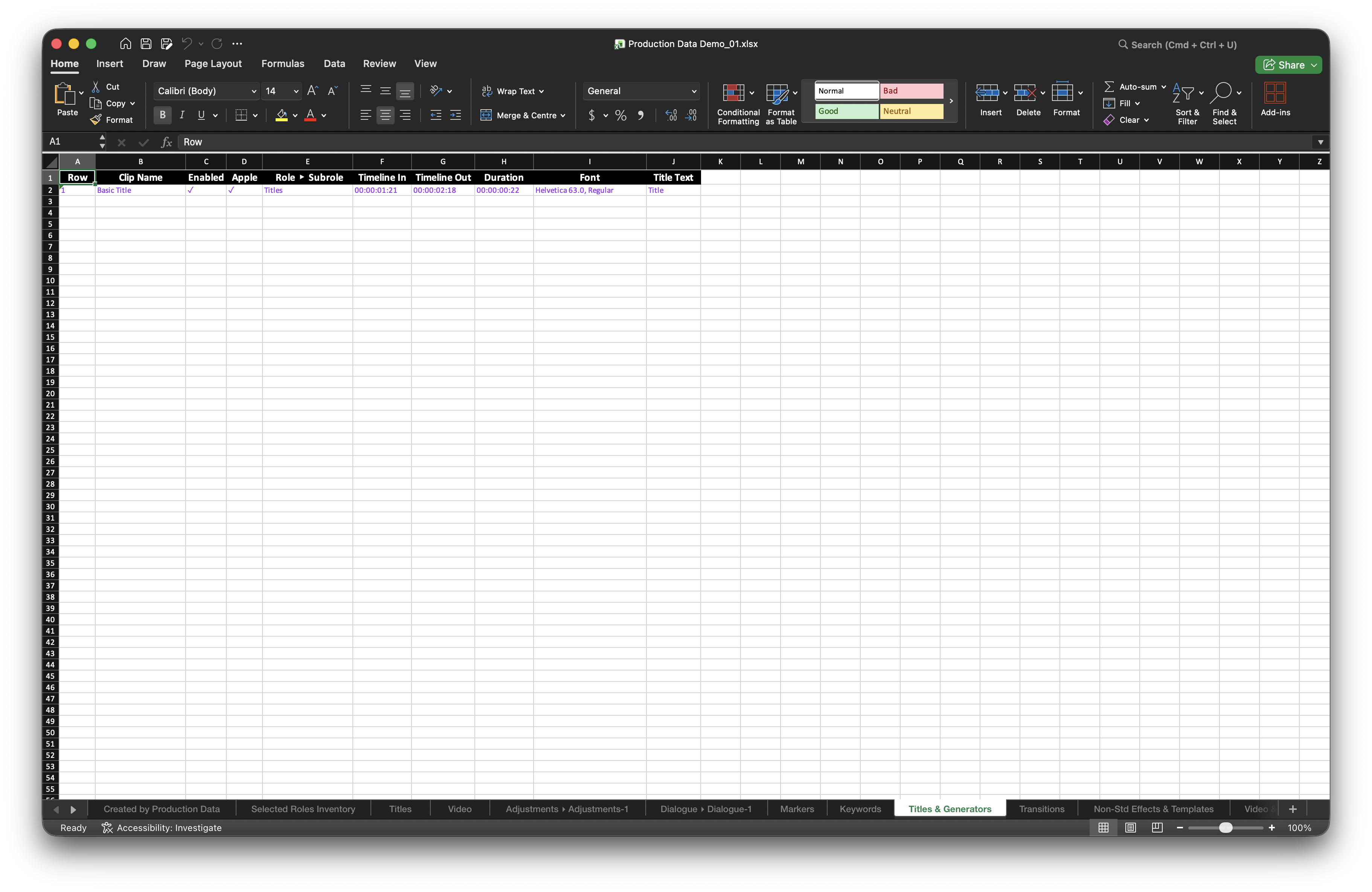
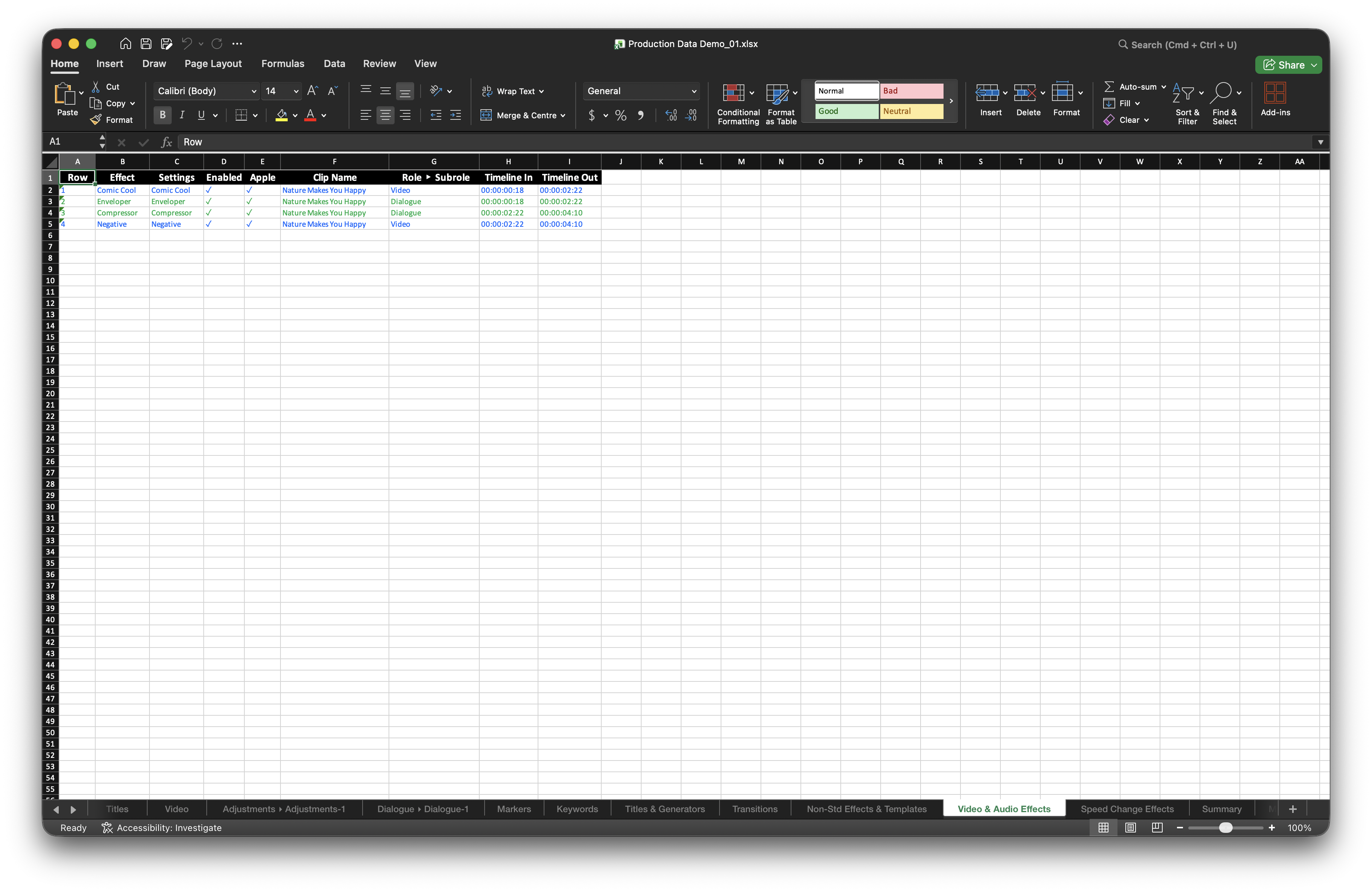
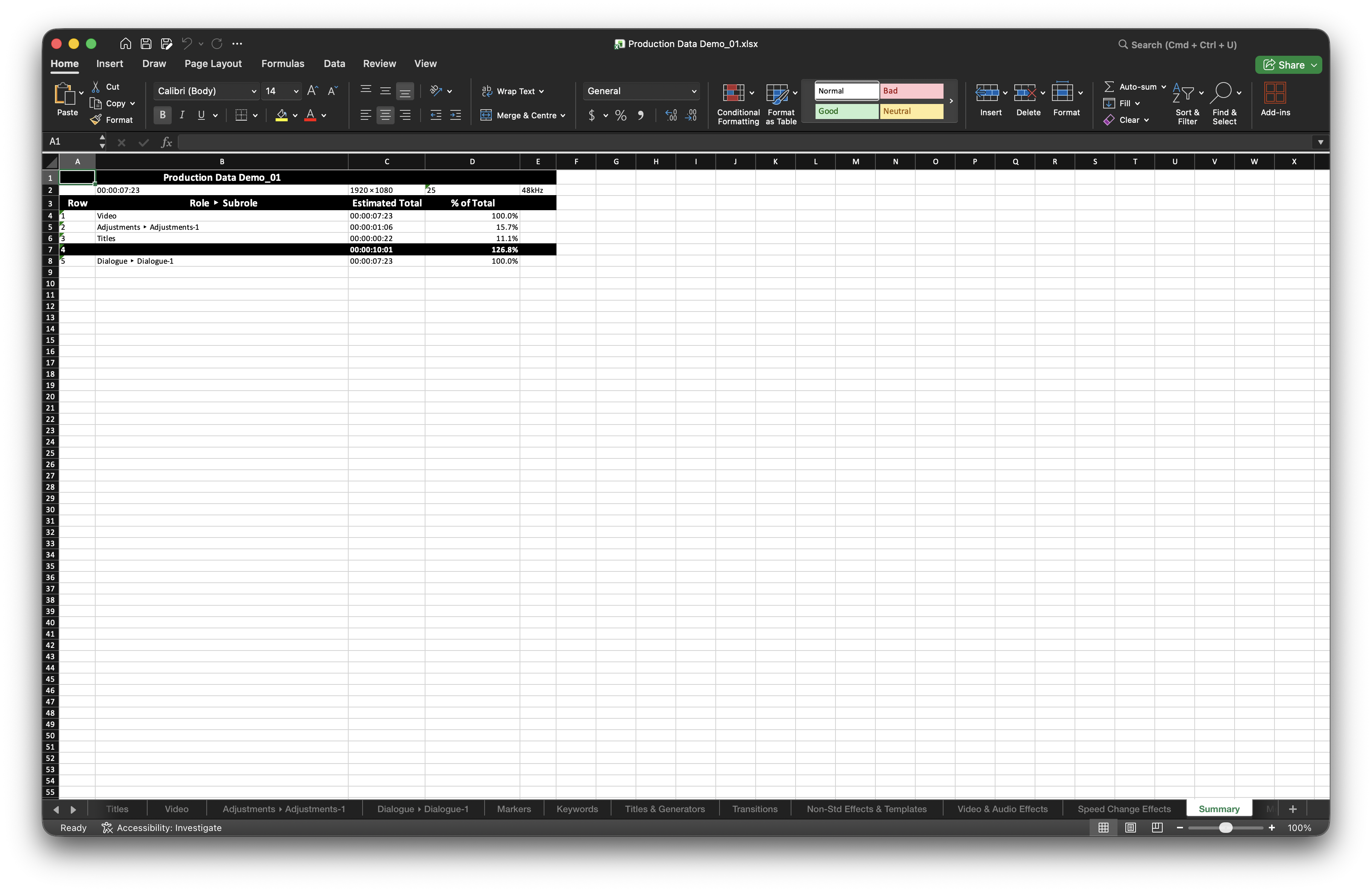
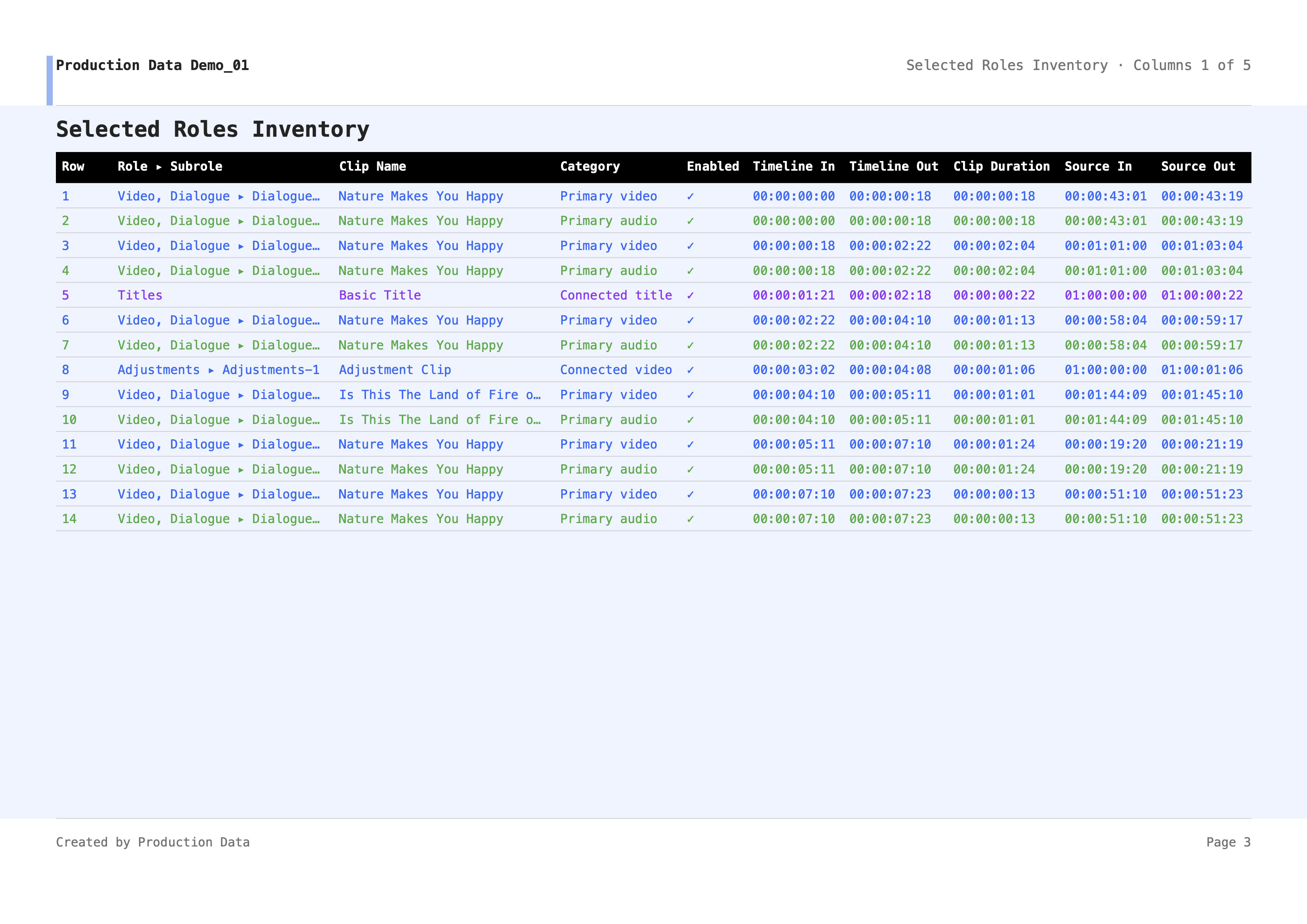
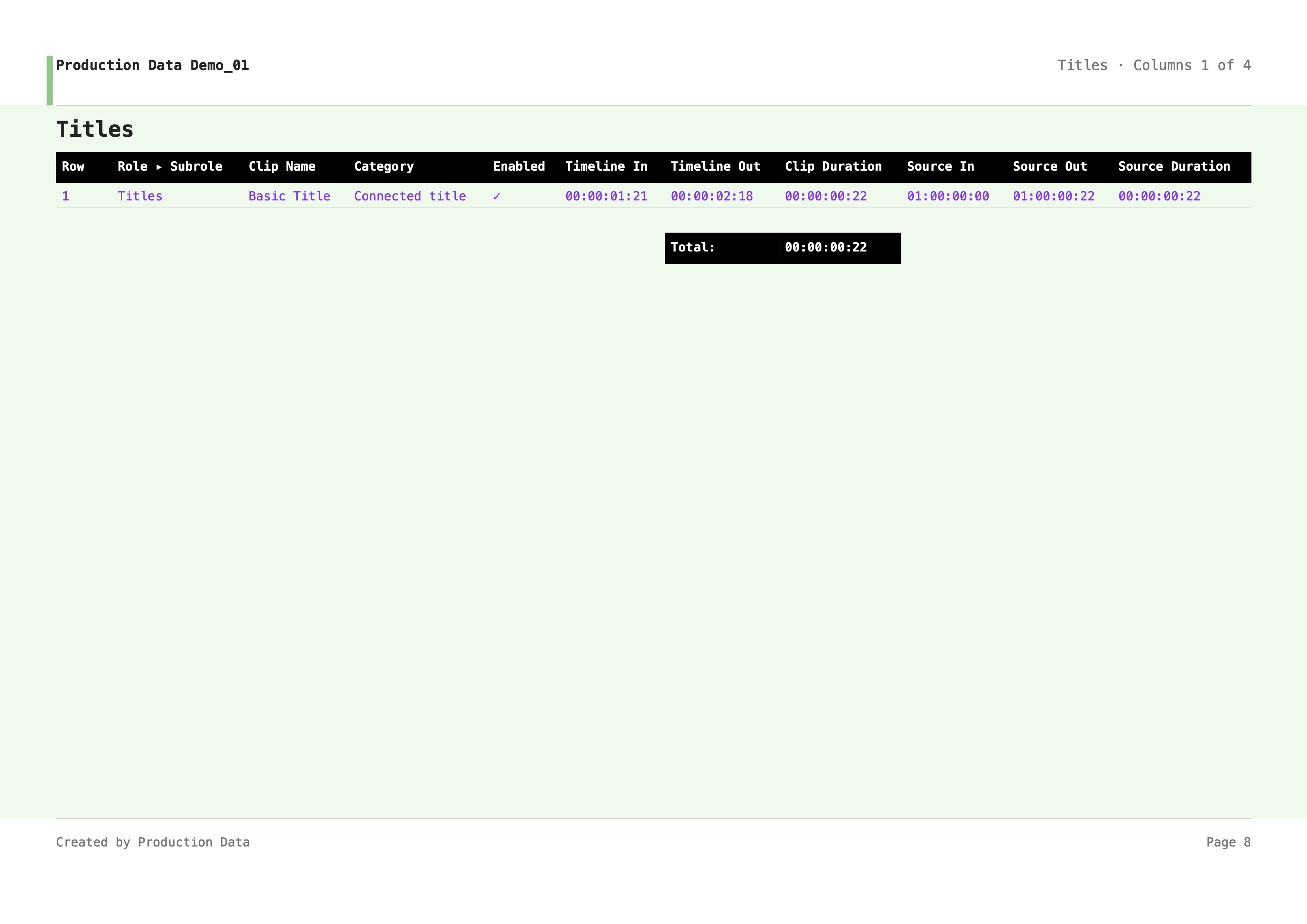
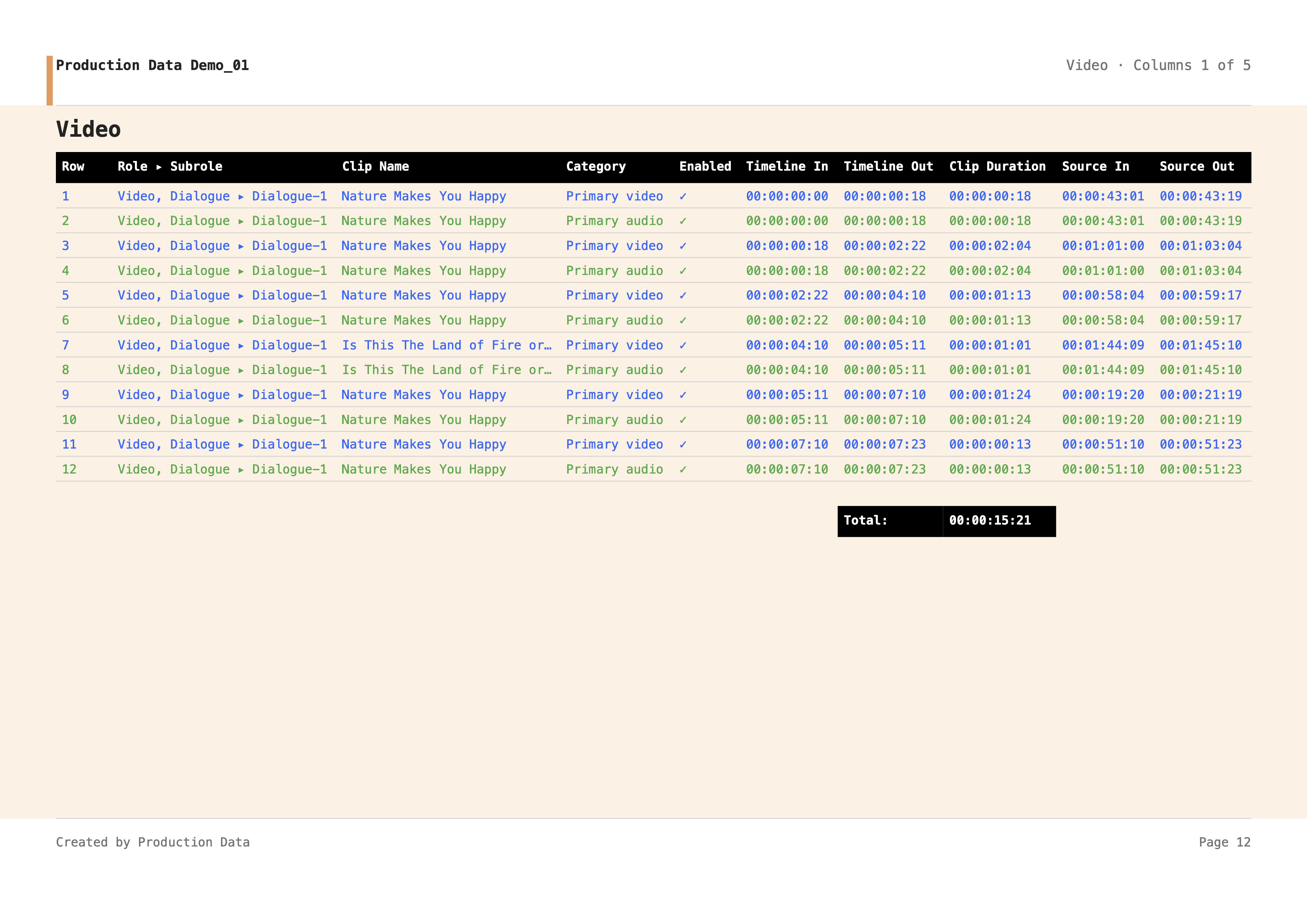
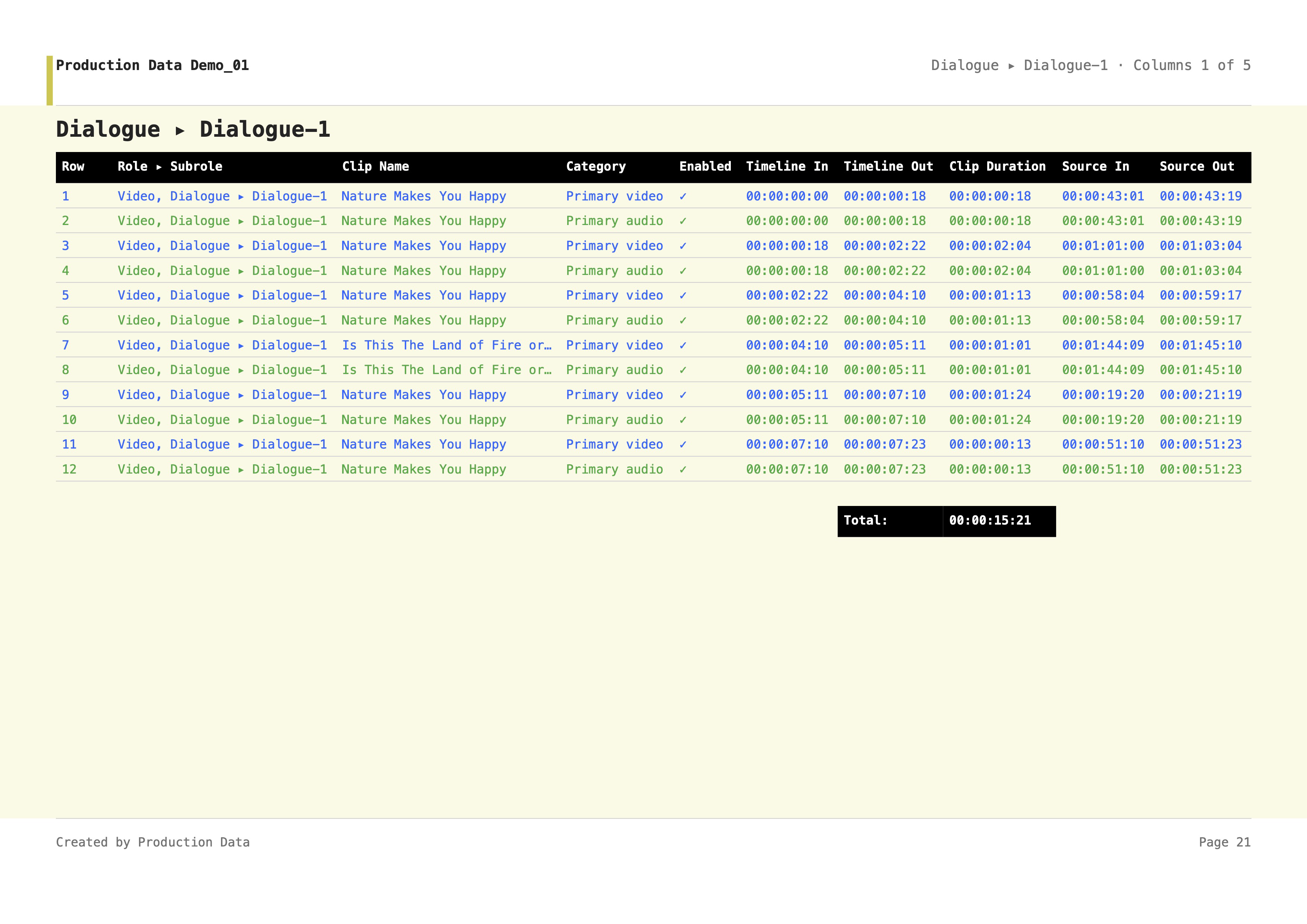
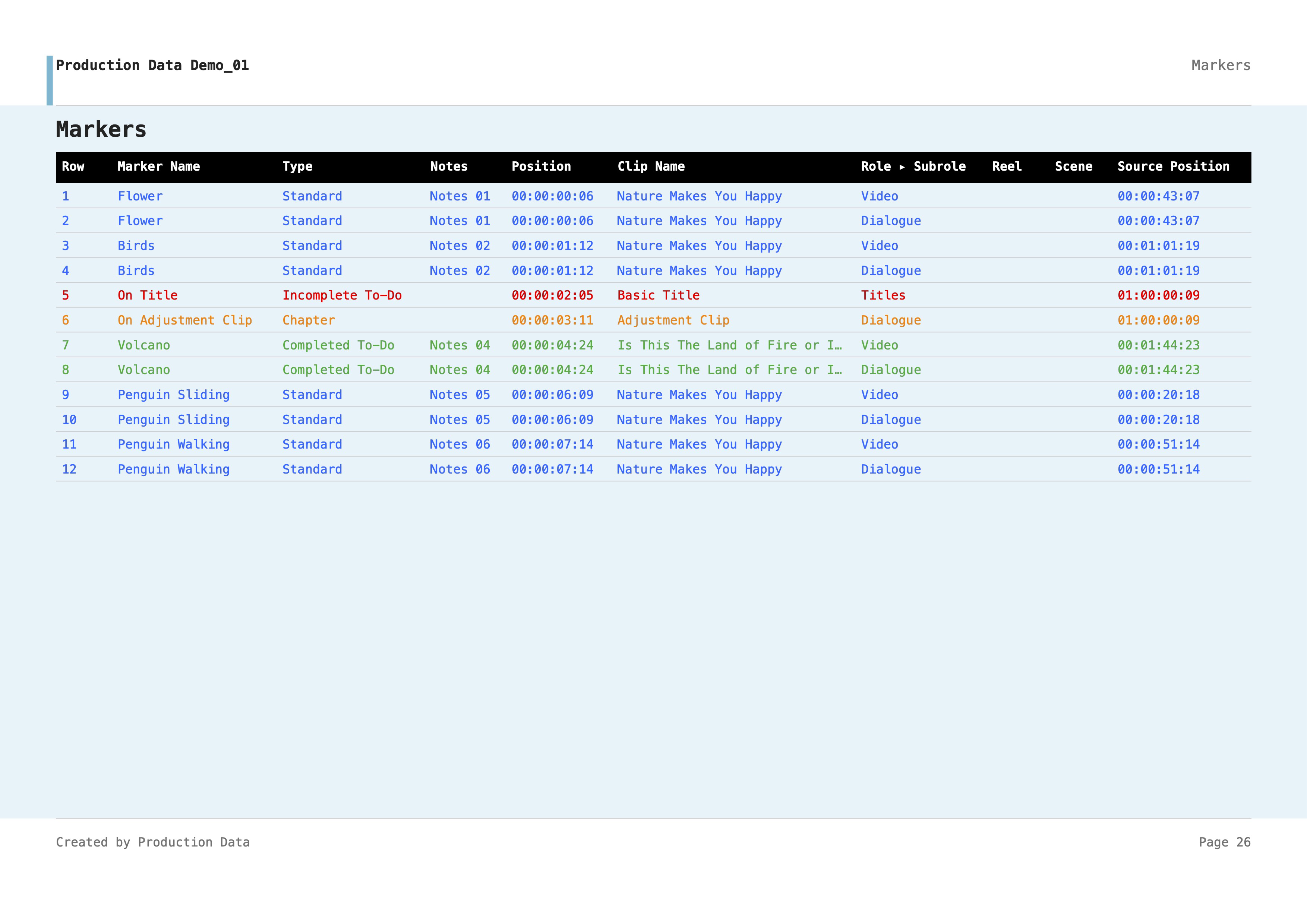
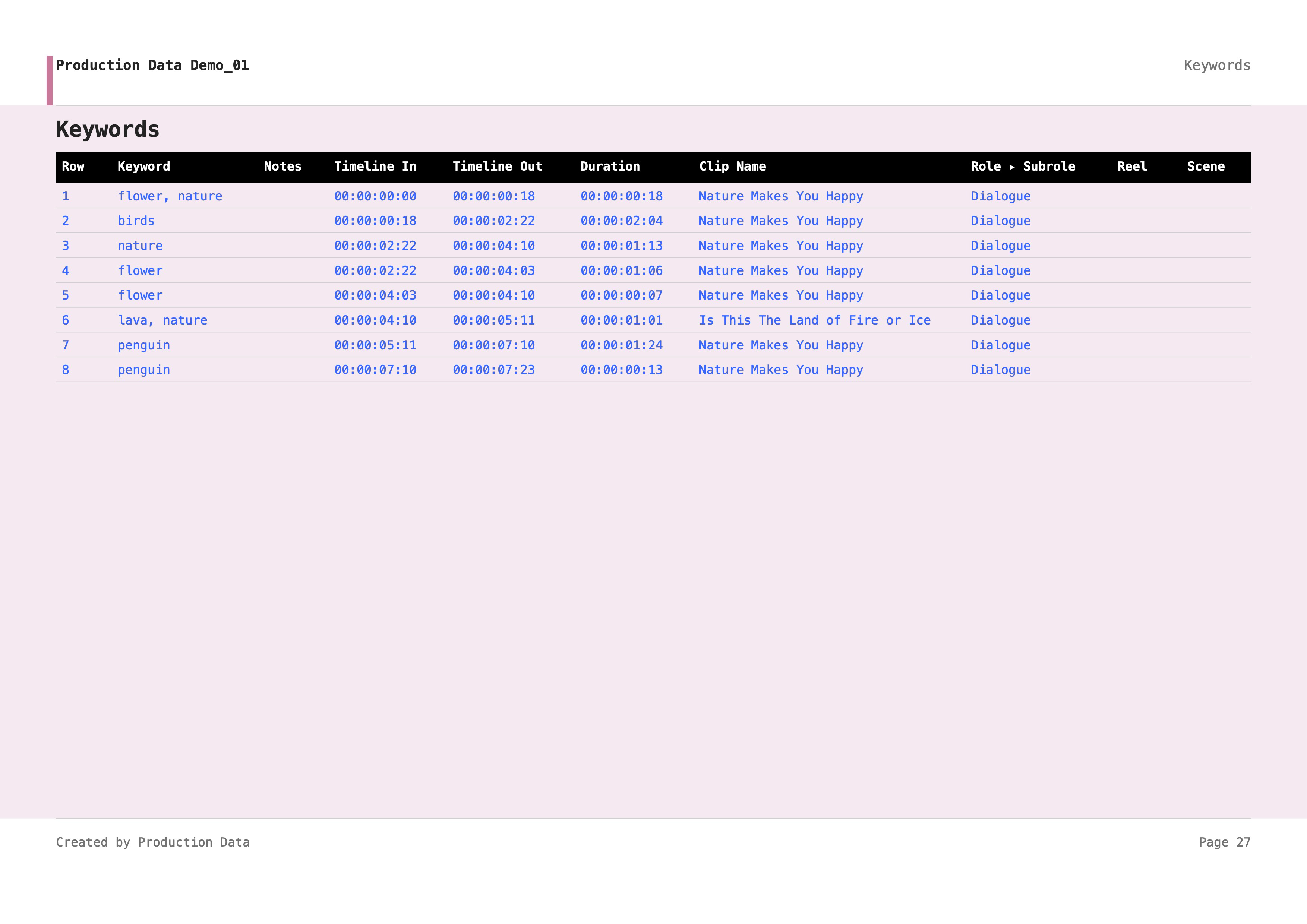
Production Data's home panel, Extract, lets you provide a Final Cut Pro project and generate an Excel production report (.xlsx), with an optional PDF when enabled in General Settings.
Following the creation of your Configuration, select an Export Folder, then provide a project to Extract.
Drag and Drop
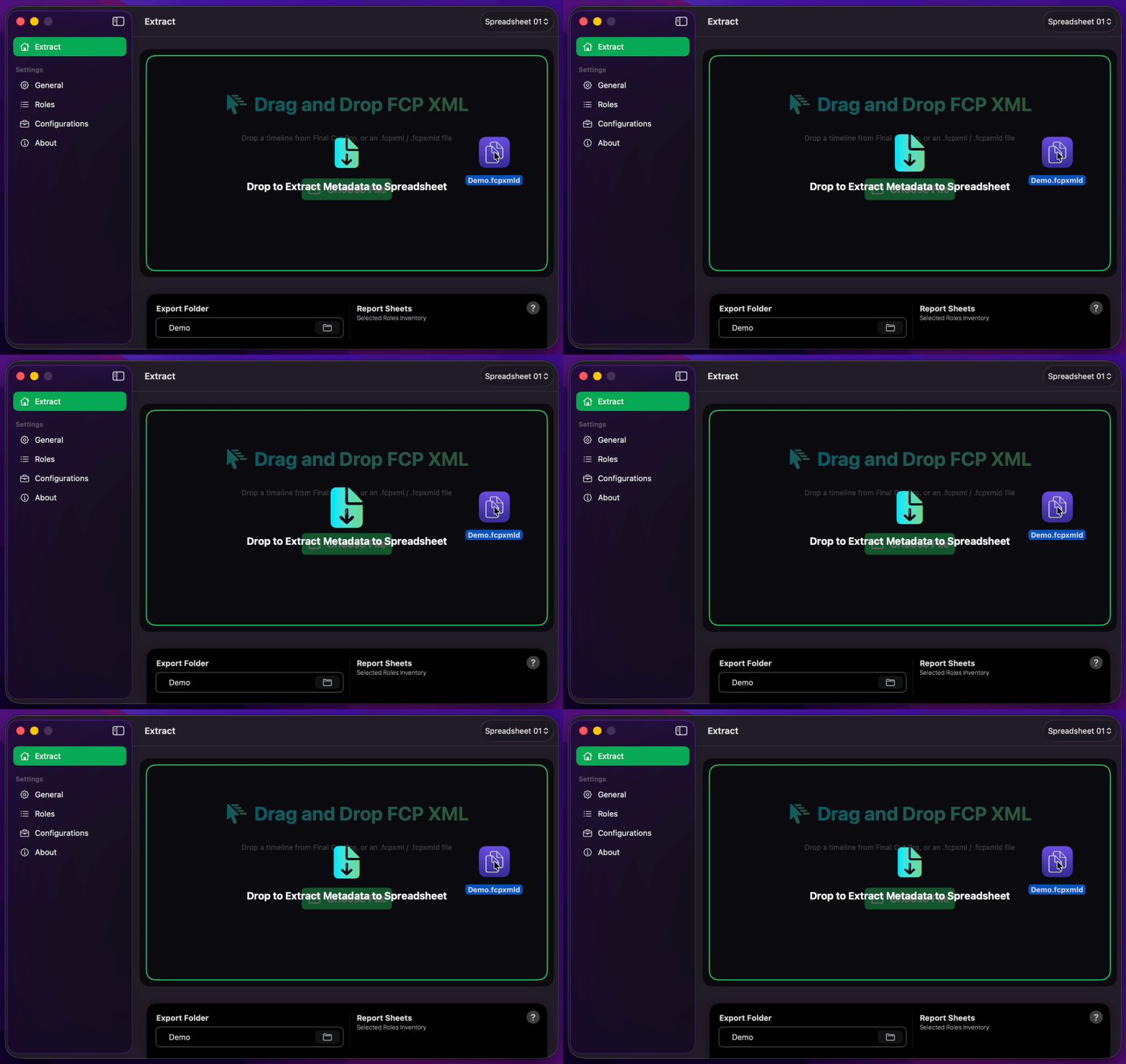
Drag and drop an .fcpxml or .fcpxmld file onto Extract, or drag a timeline / compound clip directly from Final Cut Pro. You may also use a Finder text clipping that contains FCPXML. The drop overlay reads Drop to Extract Metadata to Spreadsheet.
Alternatively, click Choose File or press ⌘ O to select a file.
In Automatic mode, export begins as soon as a project is received. In Manual mode, confirm with Start Export when you are ready. Either way, Production Data first loads roles (Loading roles… in the footer), then builds the full report — Projecting Timeline, each enabled sheet, Saving Workbook, and Saving PDF if Create PDF Report is on. That second pass is expected.
Info
Production Data processes one FCPXML project per action. If multiple items are offered at once, only the first item is used.
Info
On large or complex timelines, Loading roles… can remain on screen for a long time. The Dock progress ring appears only during the later export, not while roles are loading. See Production Data appears hung while loading FCPXML / Roles take a long time.
Info
If Include Screenshots in Role Inventory is on and Production Data cannot read the original or proxy media, it will ask you to Choose Media Folder before writing the Excel workbook — see
Choose Media Folder
After the report is built, Production Data may show Choose Media Folder if Role Inventory screenshots are on and it cannot read the original or proxy media — for example after dragging a timeline from Final Cut Pro (staged in Cache), when media lives on another volume, or when media sits inside a Final Cut Pro library (.fcpbundle).
The panel title is Choose Media Folder, the message is Original media, proxy media, a Final Cut Pro library, or an enclosing folder., and the button is Grant Access. Select one of those, then press Grant Access.
- The folder that holds your original media
- The folder that holds your proxy or transcoded media
- The Final Cut Pro library (
.fcpbundle) that contains or references those files - A parent folder that contains the library or the media
After you grant original media, the same panel may appear again for unread proxy or transcoded media — even when the original files are already readable. Some formats, such as MXF or camera RAW, still need a readable proxy. Grant that second folder the same way. Production Data keeps every successful grant for that export.
If remaining files still cannot be read, Production Data offers Choose Another Folder, Continue Without Remaining Screenshots, or Cancel Export. Leftover cells stay blank if you continue, and those rows are left out of the Screenshots folder; the rest of the workbook still exports. Cancelling the first Choose Media Folder prompt cancels that export. Closing the follow-up proxy prompt offers the same three choices.
Info
The Export Folder bookmark does not automatically cover source media. A media-folder grant is session-only for that export and is not saved under General. A .fcpbundle may only reference external media — if screenshots stay blank, grant the actual original or proxy folder. See Include Screenshots in Role Inventory and Troubleshooting.
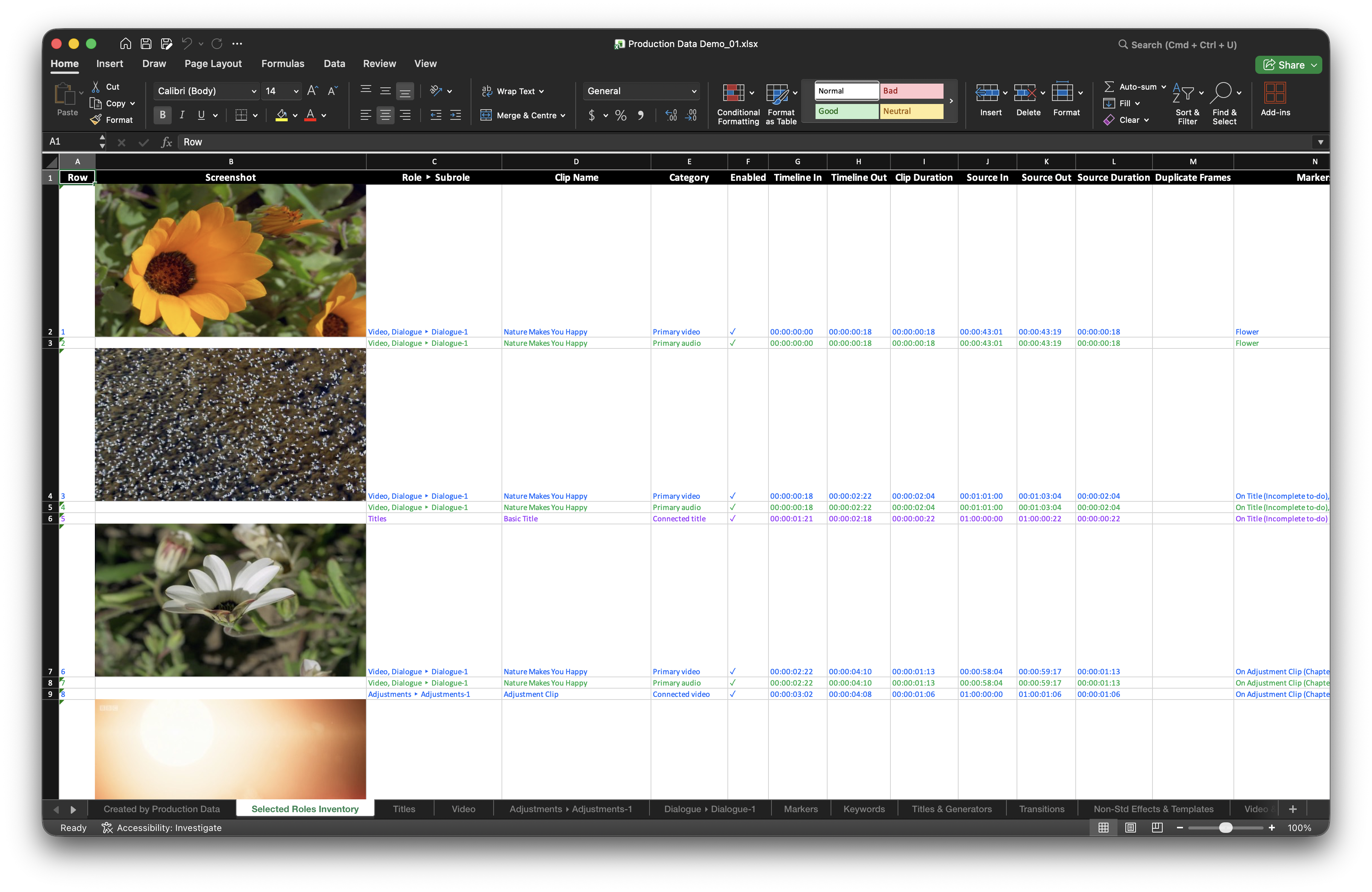
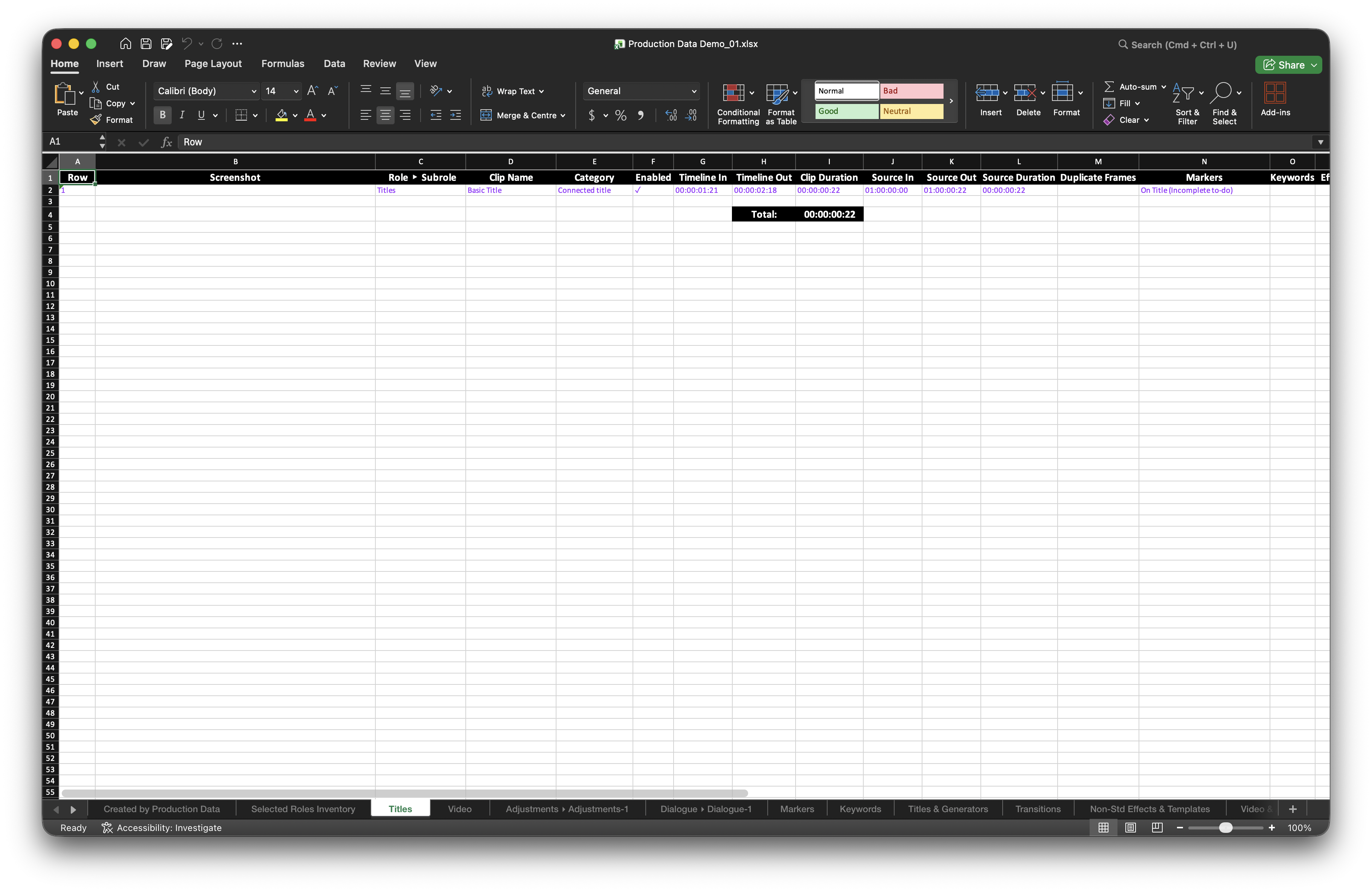
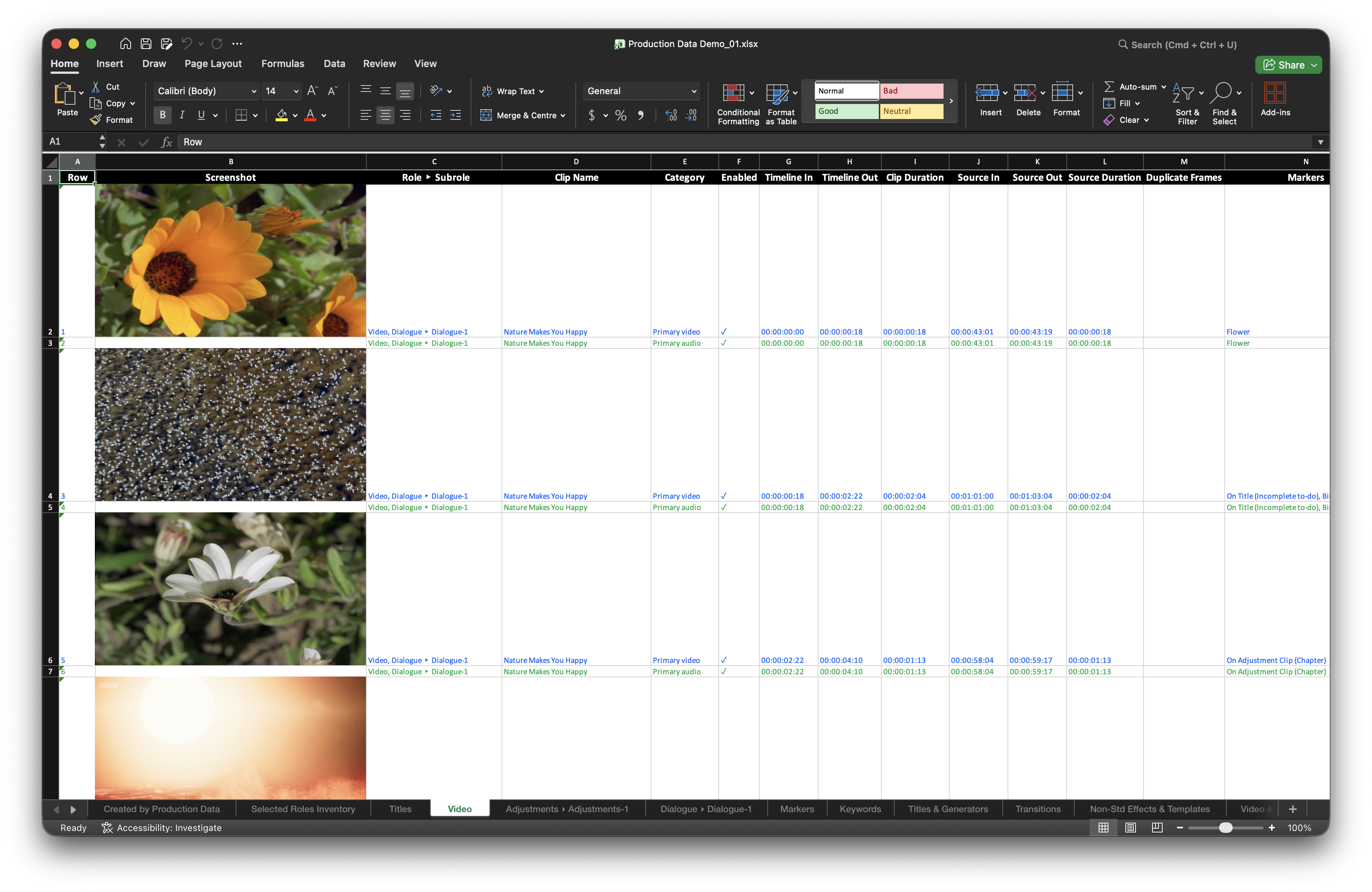
Excel Sample Sheets
PDF Sample Pages
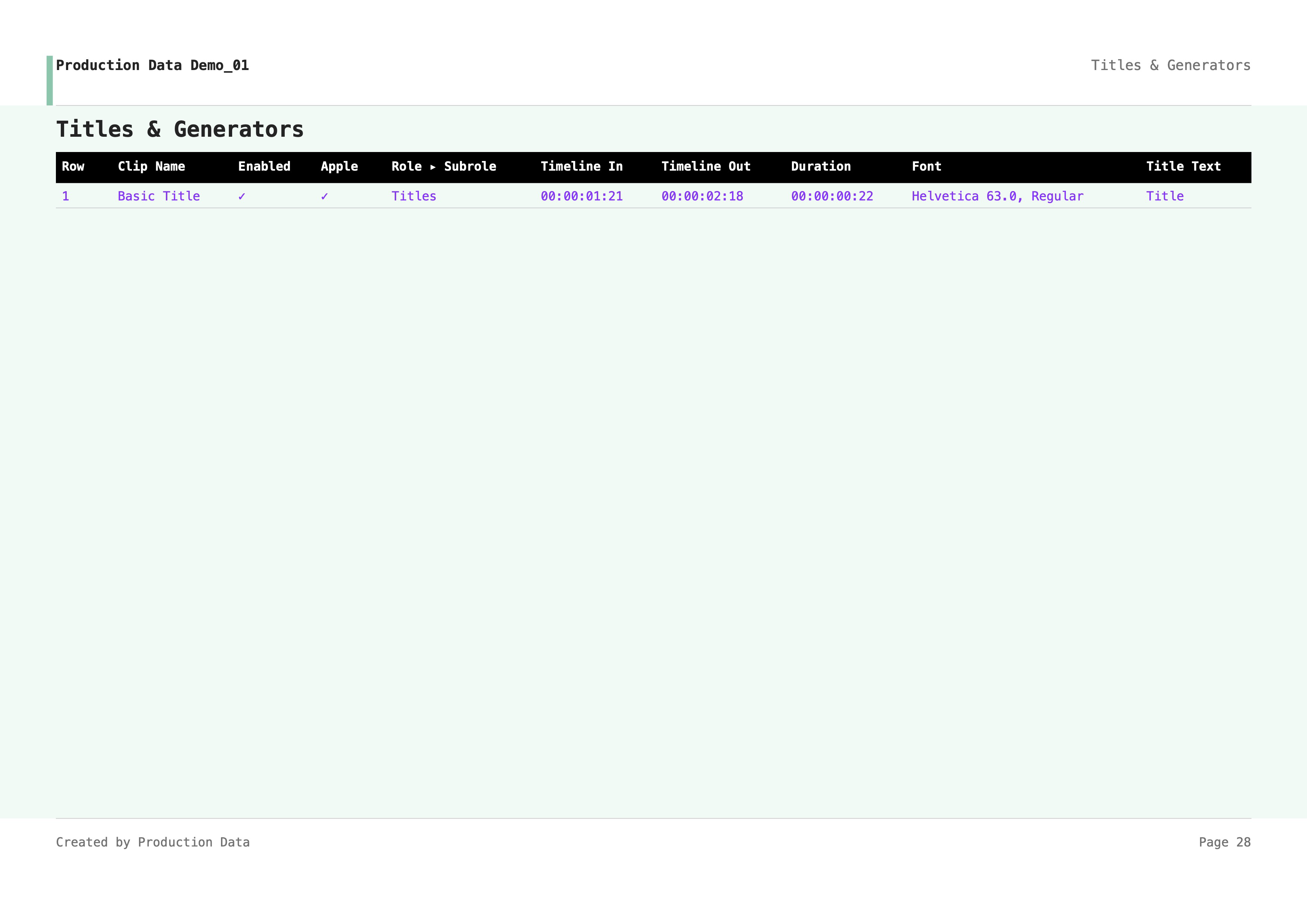
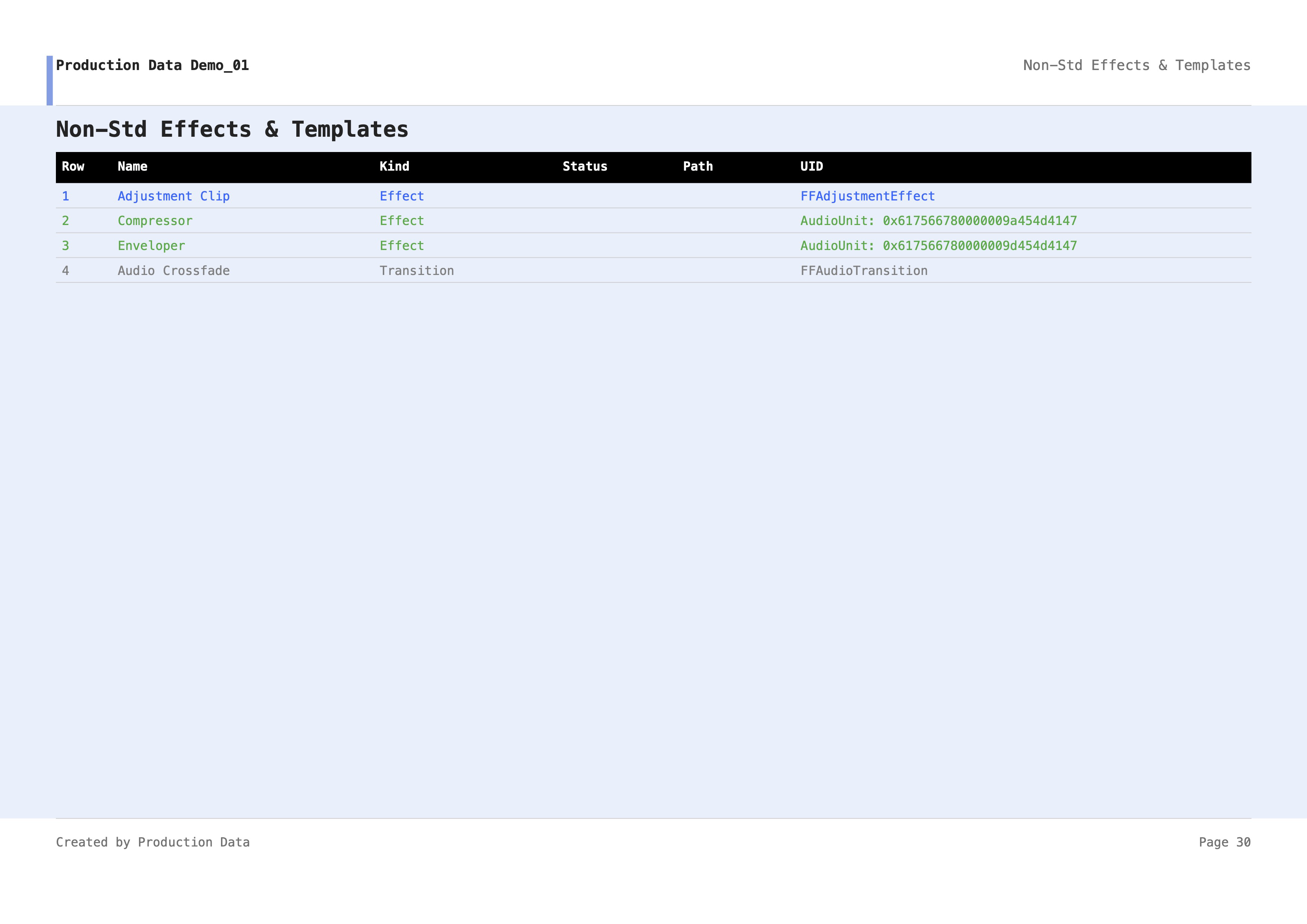
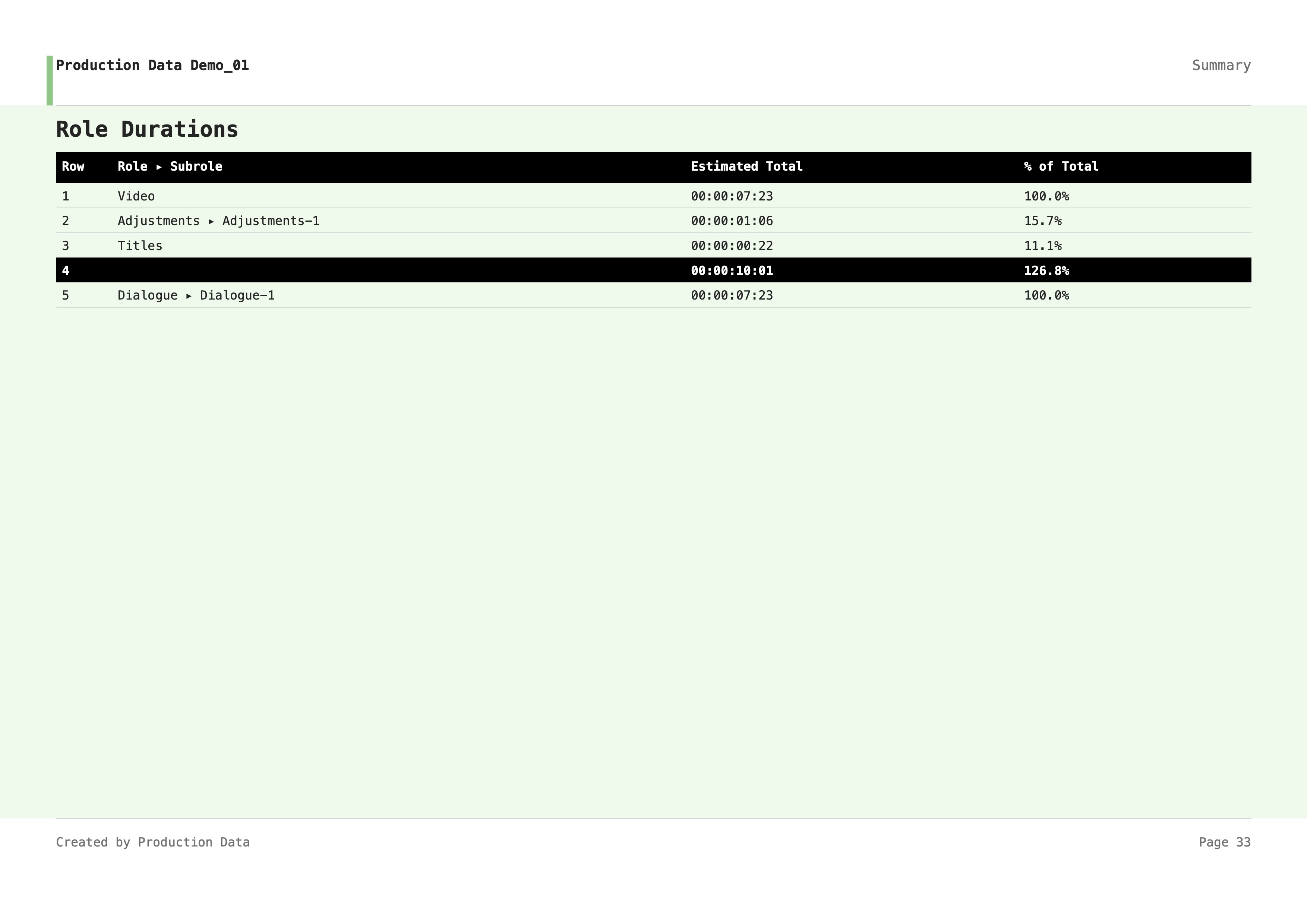
Info
Both the Excel and PDF visual report formats may change without prior notice. Production Data is powered by OpenFCPXMLKit a free and open-source, experimental FCPXML parsing engine. As the framework is experimental and has not been tested against every edge case or the full complexity of real-world timelines, complete data coverage cannot be guaranteed, and some data would be incomplete or omitted.