
Overview
Production Data has been meticulously crafted with a focus on simplicity, ensuring that users can execute tasks with minimal interaction. A central objective in its development has been reducing the number of clicks required for a seamless experience.
The application has been engineered with an unwavering commitment to user-friendly design, aspiring to be effortlessly intuitive, so that users can navigate and understand it without needing to consult external documentation.
Notwithstanding this emphasis on user-friendly design, this website stands ready to provide comprehensive guidance should the need arise, serving as a repository of answers to common queries and helping users find the right direction on any aspect they seek clarification on.
Install
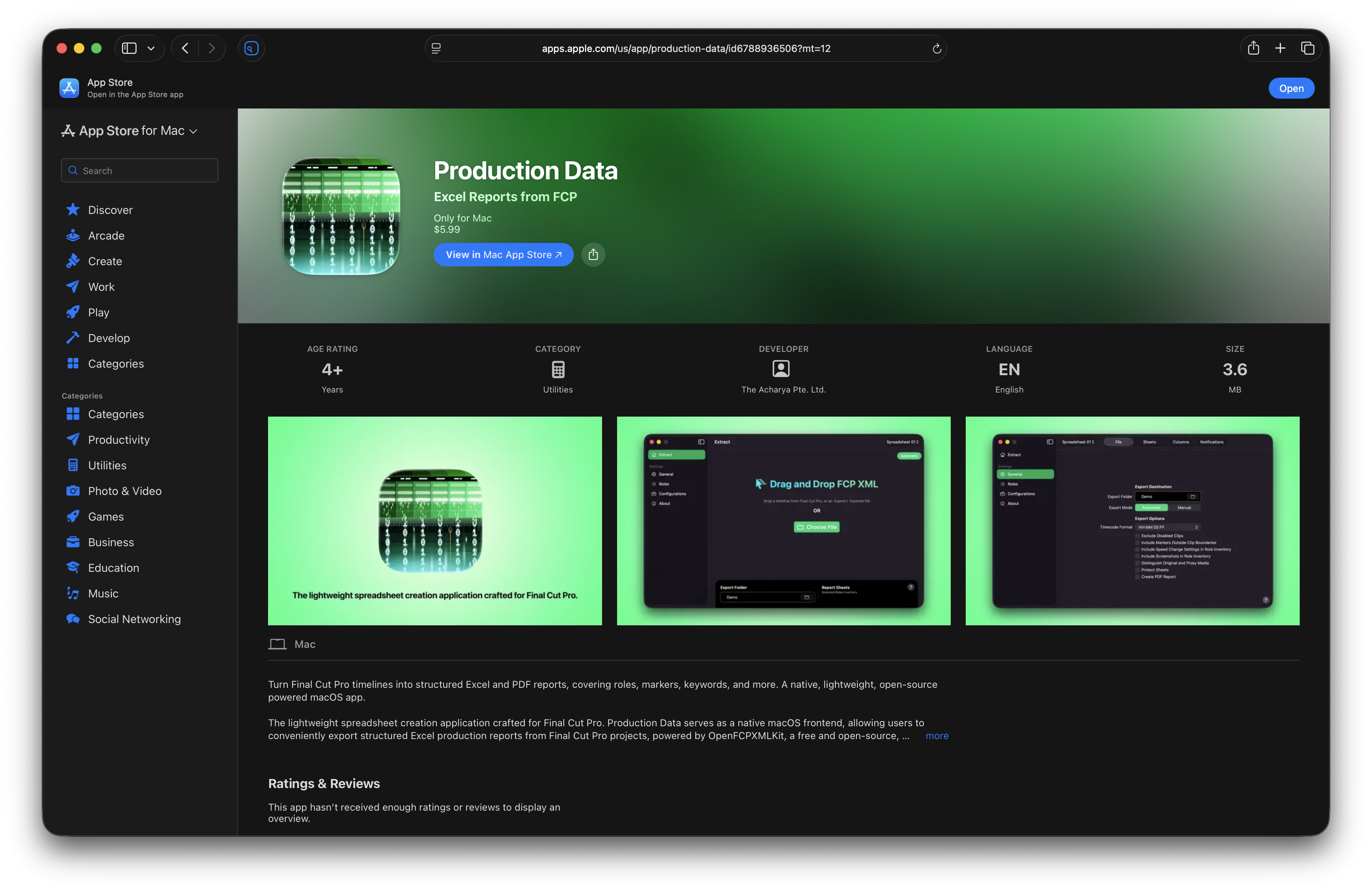
- Download Production Data from the Mac App Store.
- Launch Production Data.
- Read
Onboardinginformation and instructions. - Create your first Configuration.
- Return to General Settings and select your
Export Folder. - Press
⌘Son your keyboard toUpdate Active Configuration. - Start using Production Data and have fun!
Info
Whenever you change settings on an active Configuration, press ⌘ S to Update Active Configuration. Press ⌘ Z to Discard Changes and revert to the last saved preset.
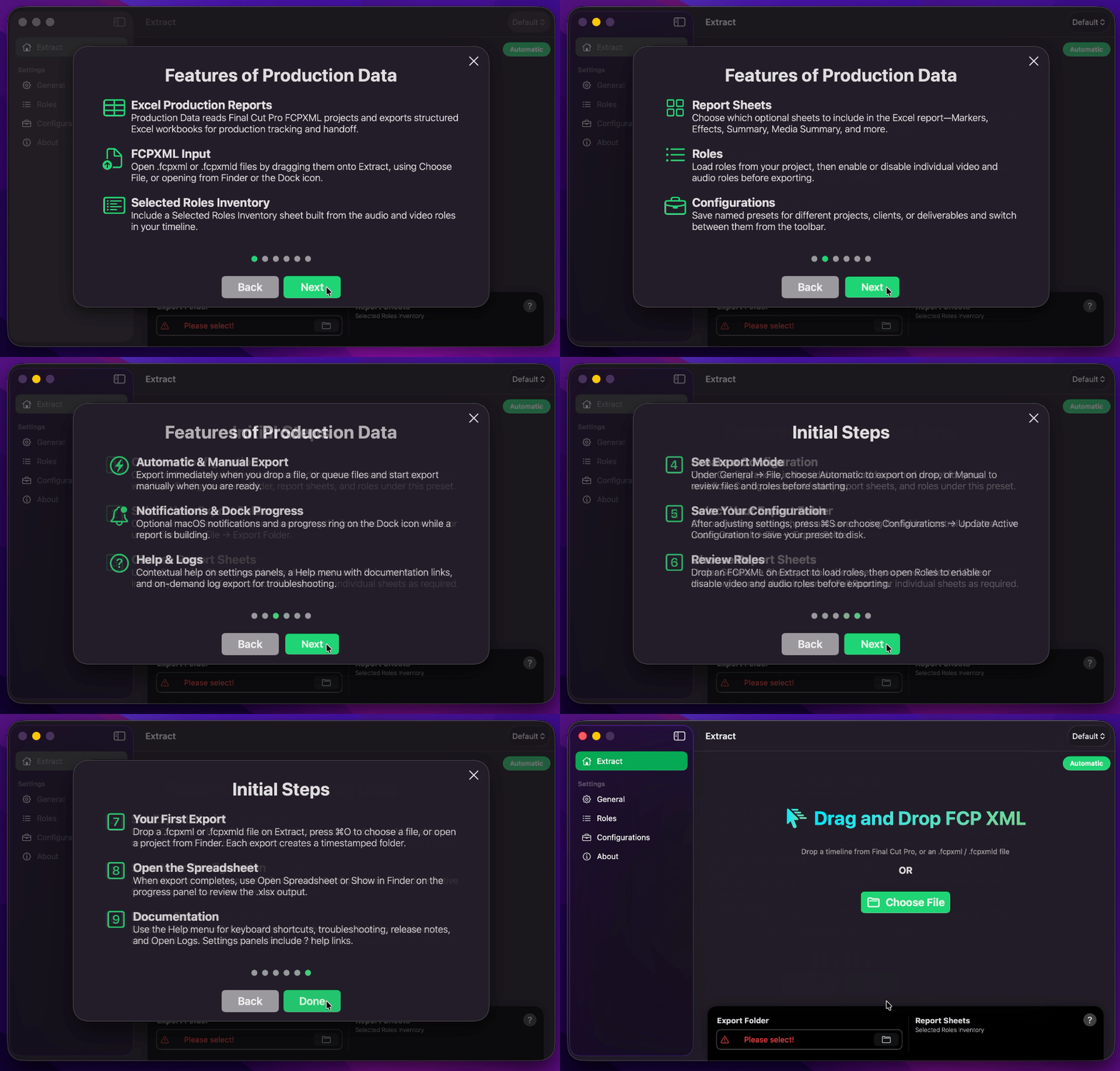
Onboarding
It is imperative to review Production Data’s Onboarding information and instructions to familiarise yourself with its key features and perform necessary initial steps before using the application.
Uninstall
As Production Data is distributed through the Mac App Store, you can uninstall it the same way as any other Mac App Store application. Simply locate Production Data in your Applications folder, then drag its icon to the Trash, or right-click the icon and select Move to Trash.
Should you wish to remove any residual application data, caches, or preference files that may remain afterwards, you may find a third-party uninstaller helpful. Two well-regarded options are Pearcleaner, a free and open-source uninstaller, and AppCleaner, a free, long-established utility. Either of these can scan for and remove any leftover files associated with Production Data beyond the standard uninstall process.